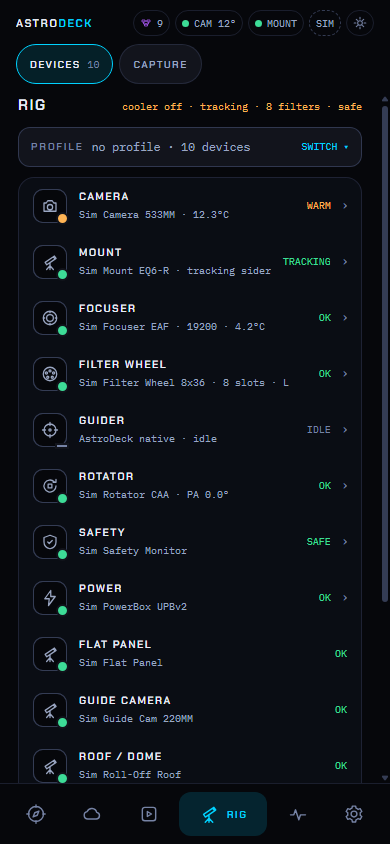
Alongside NINA
Connect through NINA's Advanced API plugin. NINA keeps the equipment connection while AstroDeck adds a browser interface, Flows and session progress.
Connect NINAOpen source astrophotography
Choose your targets, set the sequence and follow each exposure from a browser. AstroDeck brings planning, capture and the night's progress into one place.
Your existing setup
Choose how AstroDeck fits your night.
Connect through NINA's Advanced API plugin. NINA keeps the equipment connection while AstroDeck adds a browser interface, Flows and session progress.
Connect NINAUse AstroDeck's atlas and weather tools to plan a night while ASIAIR runs the rig. Keep capture and guiding in the ASIAIR app.
Read the ASIAIR optionsConnect supported native drivers, ASCOM Alpaca devices or Windows ASCOM drivers. AstroDeck can handle capture, focus, guiding and the sequence.
Check your hardwareAt the scope or indoors
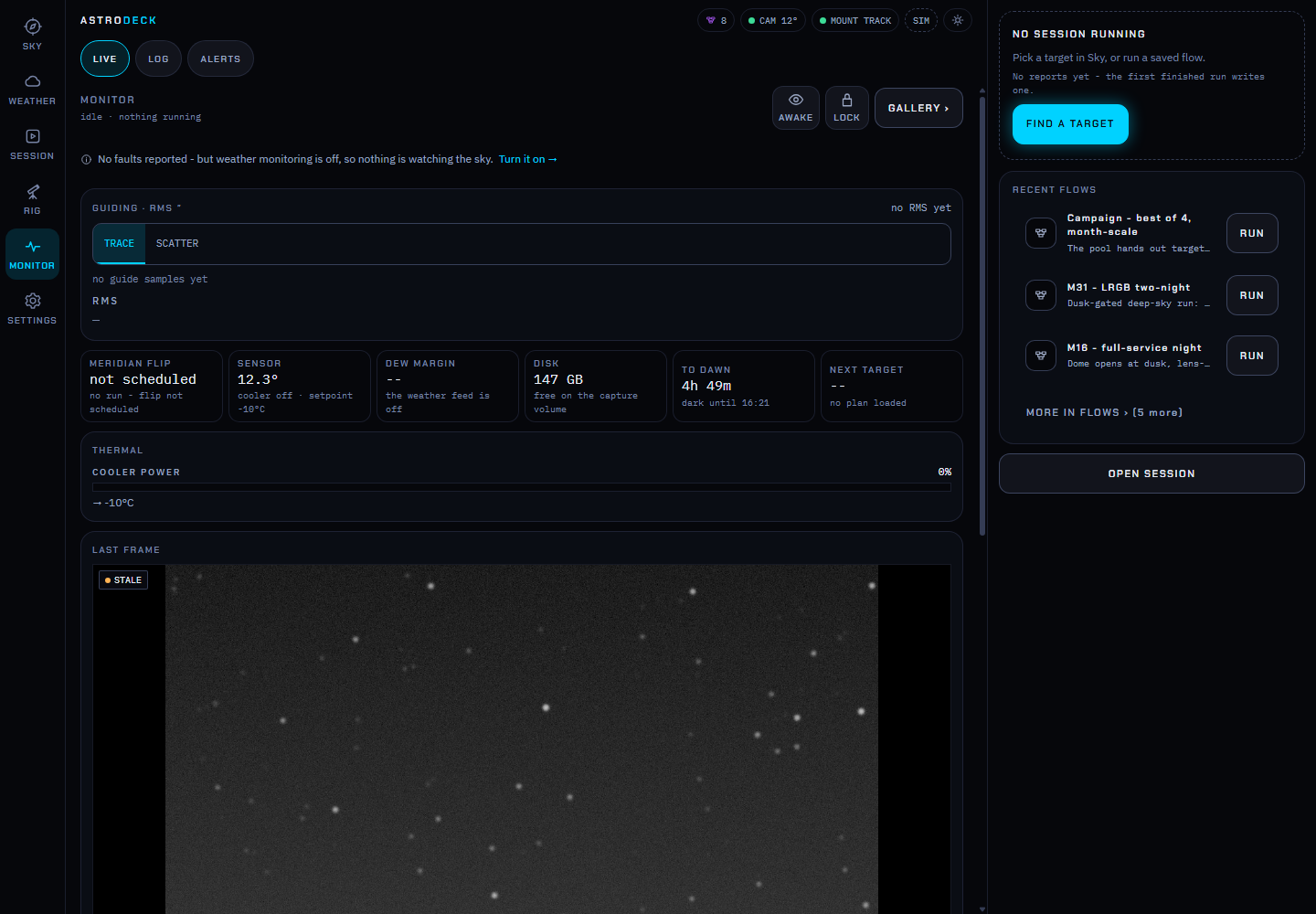
Watch frame progress and guiding, then review the images that counted. Multi-night sessions retain accepted frames so you can return to an unfinished target.
Use survey imagery and your field of view to compose a target or lay out a mosaic.
Explore planningCompare the forecast with frame-based cloud detection. Satellite cloud estimates are available within the GOES footprint.
Understand the weather toolsReview accepted and rejected frames, adjust a grade and continue the work across nights.
See session toolsAstro Flows
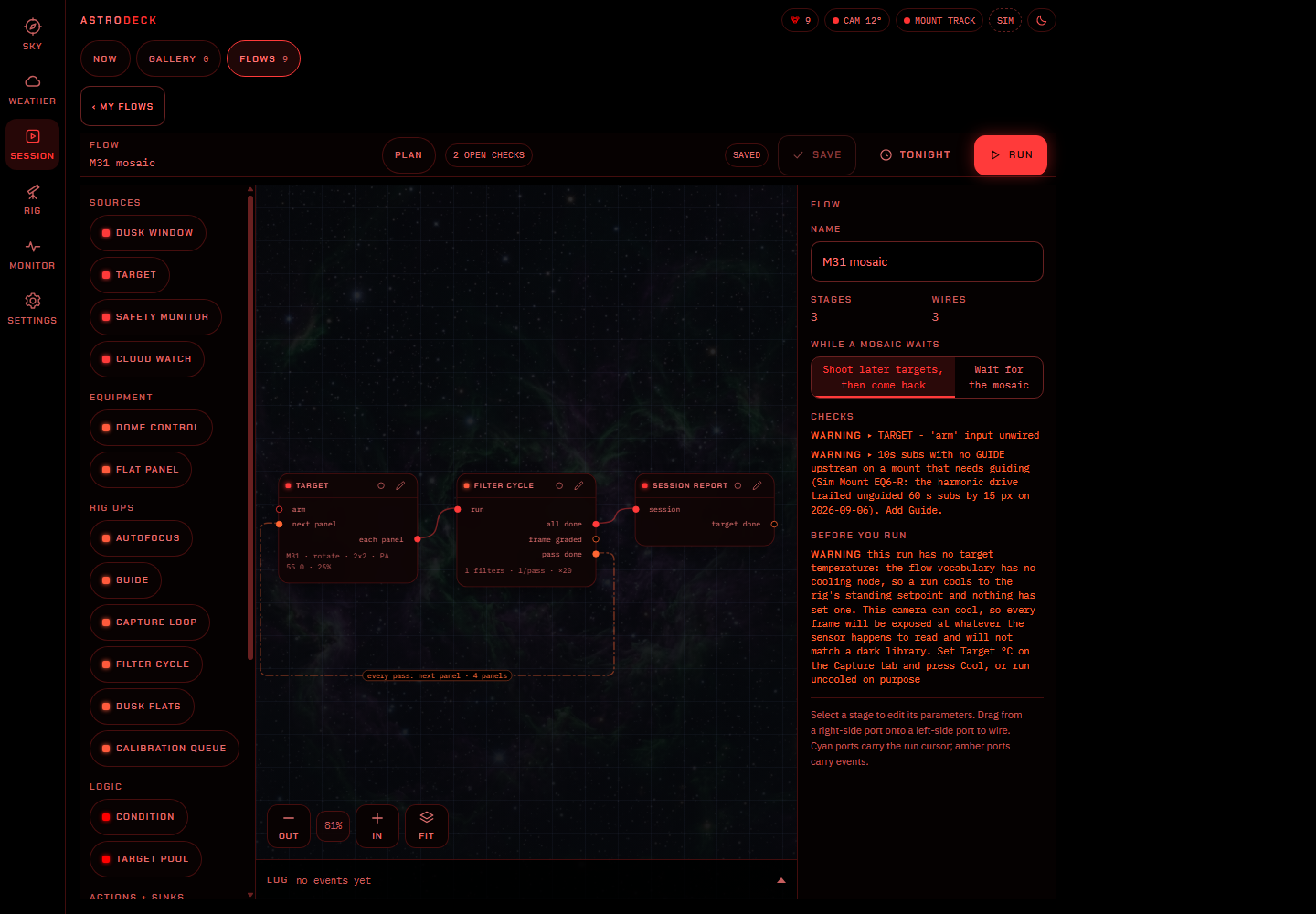
Connect targets to focus, guiding and capture steps. Add a cloud hold or an end-of-night park, then check the plan before you run it.
AstroDeck is under active development. Check the hardware notes and release assets for the path you plan to use.