Tonight
Compare target visibility and moon separation before you choose the night's work.
Features
Plan the field, capture the sequence and review the result. Available controls follow the devices and providers you connect.
01 / Planning
Search the sky atlas, place your camera's field of view on survey imagery and rotate the composition. Lay out a mosaic, then send the framing into a flow.
Compare target visibility and moon separation before you choose the night's work.
The Atlas has a schematic sky for offline use. Fetch survey tiles from inside the Atlas on your own machine before you need photographic imagery without a network.
02 / Capture
View a stretched preview, examine the histogram and save linear FITS data. Live stacking combines incoming frames for a running view of the target.
Run autofocus with an available provider, review the focus curve and set refocus triggers for the sequence.
Use the native guide engine, PHD2 or NINA's guiding connection. Follow the error graph and use dithering in a sequence.
Build and match calibration masters. Flat auto-exposure and dusk-flat steps are available for a compatible setup.
03 / Sequencing
Flows connects targets with capture, focus and guiding steps. Add filter cycles, weather holds and a planned shutdown. The plan checker reports wiring and settings that need attention.
04 / Sessions
The session ledger records frame quality and acceptance. Review grades, override a decision and continue an unfinished session across nights. Reports and export bundles keep the result together.
05 / Monitoring
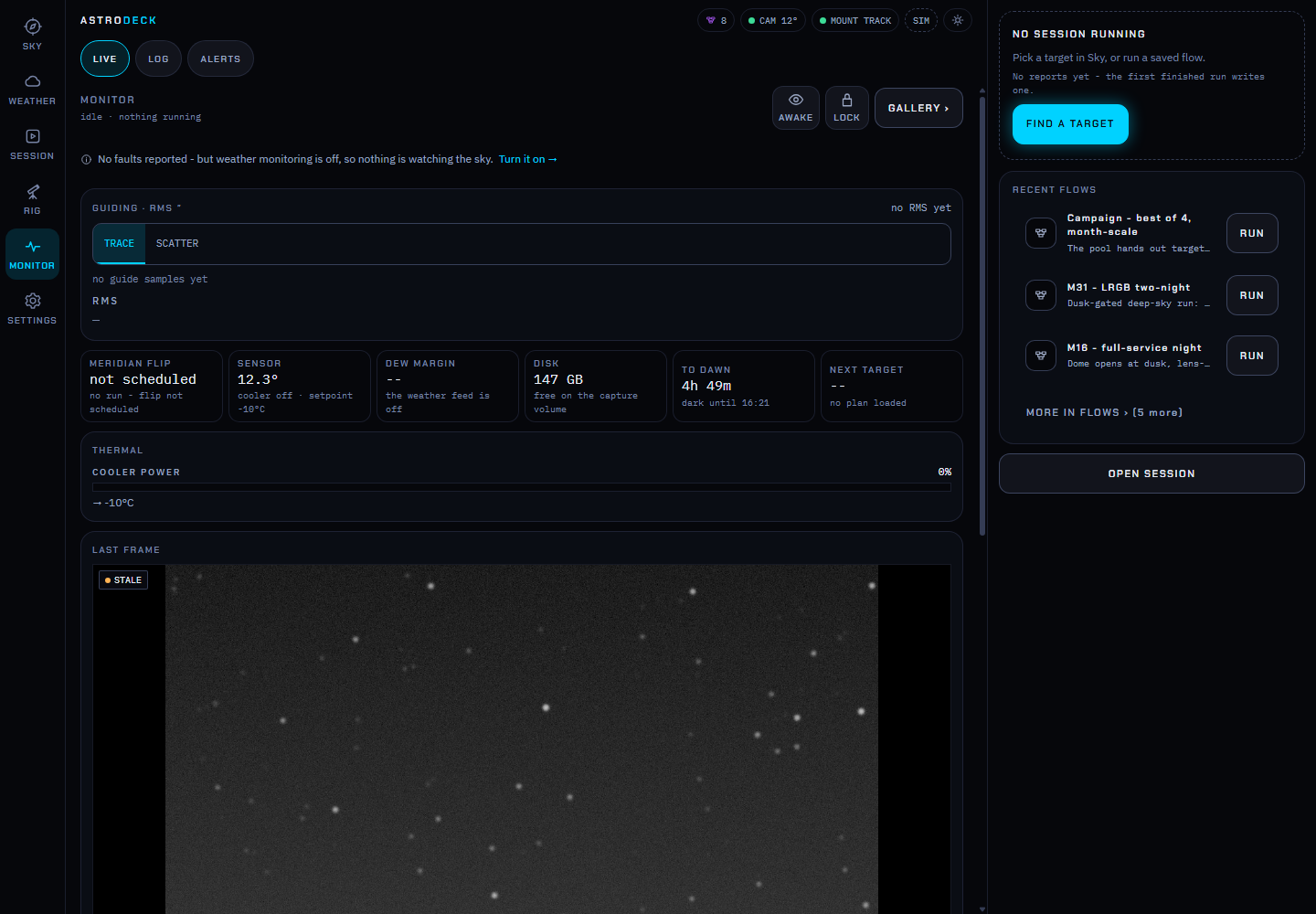
Watch progress, camera cooling and guide performance on the monitor. Configure notifications through ntfy, Telegram or a webhook. Optional relay access connects outward from the rig.
Viewer, operator and admin roles control access. Local accounts and Google sign-in are available.
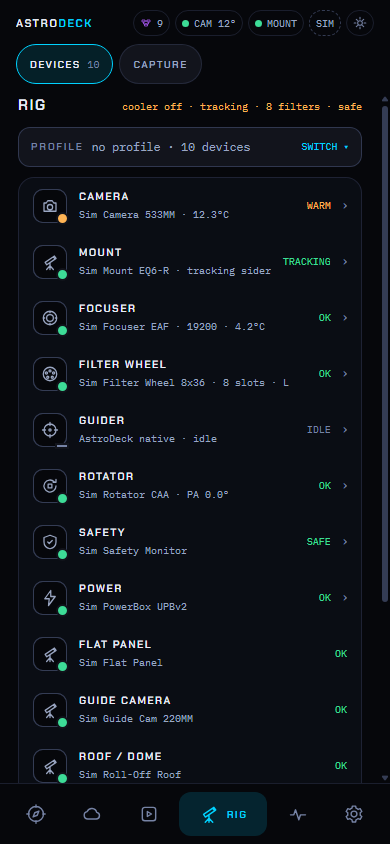
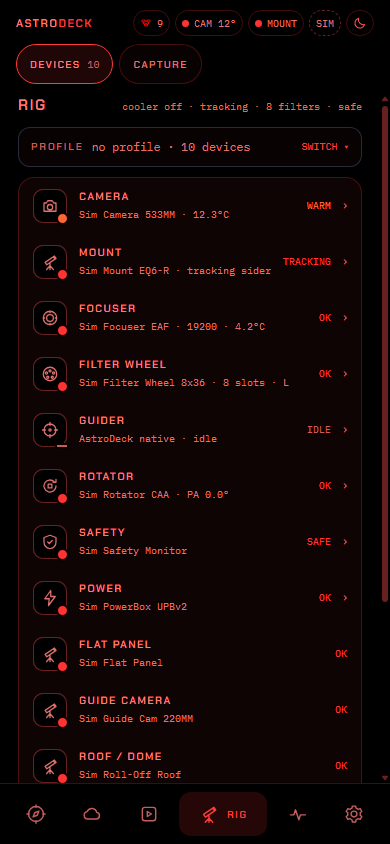
Use the interface on a phone or tablet, with dark-adaptation mode and brightness controls.
06 / Requirements
Native guiding and native autofocus require astrodeck_native, which published releases do not include yet. Native polar alignment also depends on that engine. ASTAP plate solving needs a separate solver and star database. Hardware controls such as cooling, rotation and power switching depend on the driver and device.